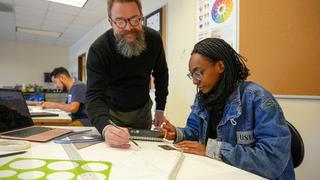
“There is a distinct comfort in seeing examples of Black people in higher education, thriving and joyful and bringing their full selves to the work that they do . . . "
With more than 15 years of experience, Reeves has built a career that spans both federal service and the private sector. He worked as chief privacy officer at the National Geospatial-Intelligence Agency,
“There is a distinct comfort in seeing examples of Black people in higher education, thriving and joyful and bringing their full selves to the work that they do . . . "
A conversation between a research professor and drug development scientist and a business law professor in 2020 turned into something much bigger: a shared mission to transform how underrepresented communities
During a luncheon presentation held in the School of Law, Aminah Ghaffar and Amyah Solomon shared their experiences participating in the Legal Aid of North Carolina (LANC) Innovation Lab externship.